
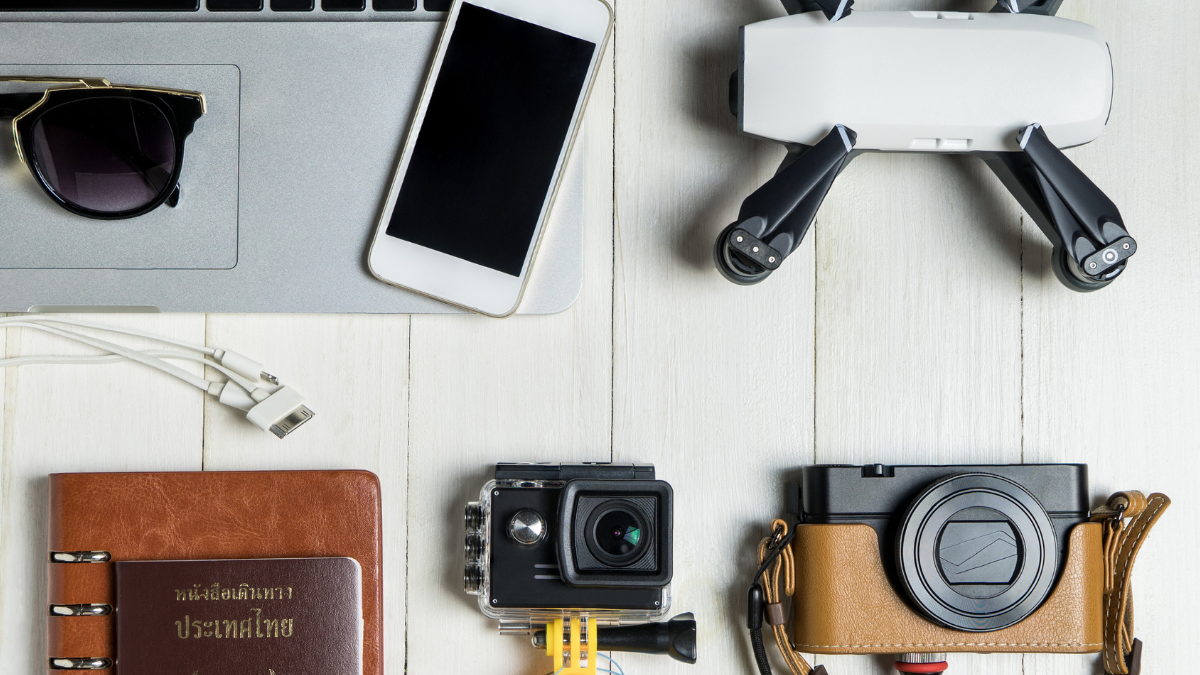
Technology is everywhere in 2026. From phones and laptops to smart home devices, it seems like every day there’s something new. But gadgets can be expensive, and not everyone has the budget to buy the latest model.
The good news is that you don’t need to spend a fortune to enjoy technology. With the right choices, smart upgrades, and a few tricks, you can get the most out of your gadgets without breaking the bank.
This guide will show you how to maximise your tech, save money, and still enjoy all the benefits of modern devices.
1. Buy Smart, Not Brand New
One of the easiest ways to save money is to avoid buying the newest model immediately.
- Wait a few months after launch—prices often drop
- Consider refurbished or certified pre-owned devices
- Older models often still have excellent performance
For example, last year’s smartphone might have almost the same features as the newest one but cost hundreds less. This applies to laptops, tablets, and even smartwatches.
2. Focus on What You Really Need
It’s easy to get tempted by every new gadget with flashy features. But most people don’t need every advanced function.
Ask yourself:
- Do I really need 1TB of storage or will 256GB be enough?
- Is 4K necessary, or will HD work fine for my needs?
- Do I need a super high-end camera, or is a mid-range one sufficient?
Focusing on your actual needs will help you spend wisely and avoid unnecessary upgrades.
3. Use Accessories to Upgrade Your Gadgets
You don’t always need a new device to improve performance. Sometimes cheap accessories can make a big difference.
- External batteries/power banks extend phone and laptop life
- Screen protectors and cases prevent damage
- USB hubs, fast chargers, and cables improve usability
- Storage drives like USB-C flash drives or SD cards expand capacity
Small, budget-friendly add-ons can increase the life and performance of your current gadgets.
4. Keep Your Devices Updated
Software updates are often free and can improve performance, fix bugs, and add features.
- Update your phone, laptop, or tablet regularly
- Use official software updates rather than third-party apps
- Security updates protect your gadgets from viruses and malware
Regular updates make your device feel faster and more capable without spending a dime.
5. Extend Gadget Lifespan
Proper care is a simple way to save money.
- Keep your devices clean and dust-free
- Avoid overcharging your phone or laptop
- Use protective cases and screen protectors
- Handle cables gently to avoid fraying
By taking care of your tech, you can delay the need to replace gadgets for years.
6. Multi-Purpose Gadgets Save Money
Instead of buying multiple devices, look for gadgets that do more than one thing.
- Smartphones can replace cameras, GPS devices, and music players
- Smartwatches can track fitness, notify messages, and even make payments
- Multi-port chargers reduce the need for separate charging bricks
Multi-purpose devices help you reduce clutter and save money at the same time.
7. Explore Budget Brands
You don’t always need big-name brands. Many budget-friendly brands in 2026 make excellent tech.
- Brands like Anker, Hoto, and Native Union offer high-quality accessories
- Lesser-known phone and tablet brands can give good performance at lower prices
- Read reviews to make sure the quality is reliable
Budget brands often give amazing value without sacrificing essential features.
8. Buy Only What You’ll Use
Impulse purchases are the easiest way to overspend.
- Avoid gadgets that seem “cool” but will sit unused
- Focus on devices that solve a problem or improve daily life
- Make a list before buying tech and stick to it
This ensures your money goes toward useful, practical devices.
9. Use Cloud and Free Software
You don’t need to pay for everything. Many free tools and services can enhance your gadgets.
- Free cloud storage services like Google Drive or OneDrive
- Free office software alternatives instead of expensive suites
- Free apps for productivity, editing, or entertainment
Smart use of free software can make your devices more capable without spending extra.
10. Sell or Trade Old Gadgets
Old devices don’t need to collect dust. You can sell, trade, or donate them.
- Sell old phones or laptops online
- Trade for store credit when upgrading
- Repurpose devices for home projects, like turning an old tablet into a digital photo frame
This can offset the cost of new gadgets or reduce waste.
11. Focus on Long-Term Savings
It might be tempting to buy the cheapest gadget available, but sometimes spending a bit more upfront saves money over time.
- A slightly more expensive charger or cable lasts longer
- Durable cases prevent damage to phones and tablets
- Higher-quality batteries extend device lifespan
Think about total cost over years, not just the initial price.
12. DIY Repairs and Upgrades
In 2026, there are lots of tutorials and tools to help with simple DIY repairs:
- Replace batteries or screens on phones and laptops
- Upgrade storage with SD cards or USB drives
- Clean dust from laptops and gaming consoles
Even a small investment in tools like the Hoto Electric Screwdriver can save hundreds in repair fees.
13. Buy Gadgets That Work Together
Tech works best when devices connect and complement each other.
- Use multi-device chargers like the Anker Prime 67W USB-C Charger
- Transfer files quickly with USB-C flash drives like the SanDisk Extreme Fit 256GB
- Use universal cables and adapters to reduce the number of cords
This reduces extra purchases and frustration with incompatible gadgets.
14. Take Advantage of Sales and Deals
Tech deals are everywhere. Look for:
- Black Friday or end-of-year sales
- Student or membership discounts
- Bundle offers that include accessories
- Refurbished deals from official stores
Being patient and smart about when you buy can save a lot of money.
15. Minimalism Saves Money
Sometimes, less is more. Owning fewer but higher-quality gadgets makes life simpler.
- Focus on essential devices
- Avoid clutter and unnecessary gadgets
- Maintain what you already have
Minimalism reduces spending, helps you appreciate your tech, and keeps life organized.
Real-Life Examples
Here’s how a budget-friendly approach works in everyday life:
- Student Life – Use a mid-range laptop, a budget-friendly tablet, and free software. No need for expensive upgrades every year.
- Home Office – One multi-purpose printer, a smart USB-C charger, and a reliable flash drive can replace many smaller devices.
- Travel – A small power bank, compact USB-C flash drive, and a sturdy calculator watch (like the Casio CA-53W-1) cover multiple needs without extra spending.
- DIY Projects – Affordable tools like the Hoto Electric Screwdriver make repairs easy, saving money on hiring help.
By planning and choosing wisely, you can enjoy tech without overspending.
Final Thoughts
In 2026, gadgets are everywhere, but you don’t need to spend a fortune to enjoy them.
The key to budget-friendly tech is to:
- Buy smart and avoid unnecessary upgrades
- Focus on gadgets that serve multiple purposes
- Protect, maintain, and extend the life of your devices
- Use accessories, free software, and deals to maximize value
With a little planning and smart choices, you can get the most out of your tech without breaking the bank.
Whether it’s smartphones, laptops, accessories, or everyday tools, budget-friendly tech is about being smart, practical, and resourceful.
Even small steps—like using multi-purpose devices, taking care of your gadgets, or buying high-quality budget accessories—can make a big difference in saving money and improving your tech experience.
Read Also: Keep your face towards the sunshine and shadows will fall behind you
Watch Also: https://www.youtube.com/@TravelsofTheWorld24











Leave a Reply